


Introduction
Digital payments have become second nature, and in 2026, WhatsApp Pay is emerging as a simple, conversation-first way to send and receive money. With millions of users already chatting daily on WhatsApp, payments no longer need a separate app or extra steps.In this blog, we'll cover how to set up WhatsApp Pay, its key benefits, and practical tips to make faster, smoother payments.
What Is WhatsApp Pay?
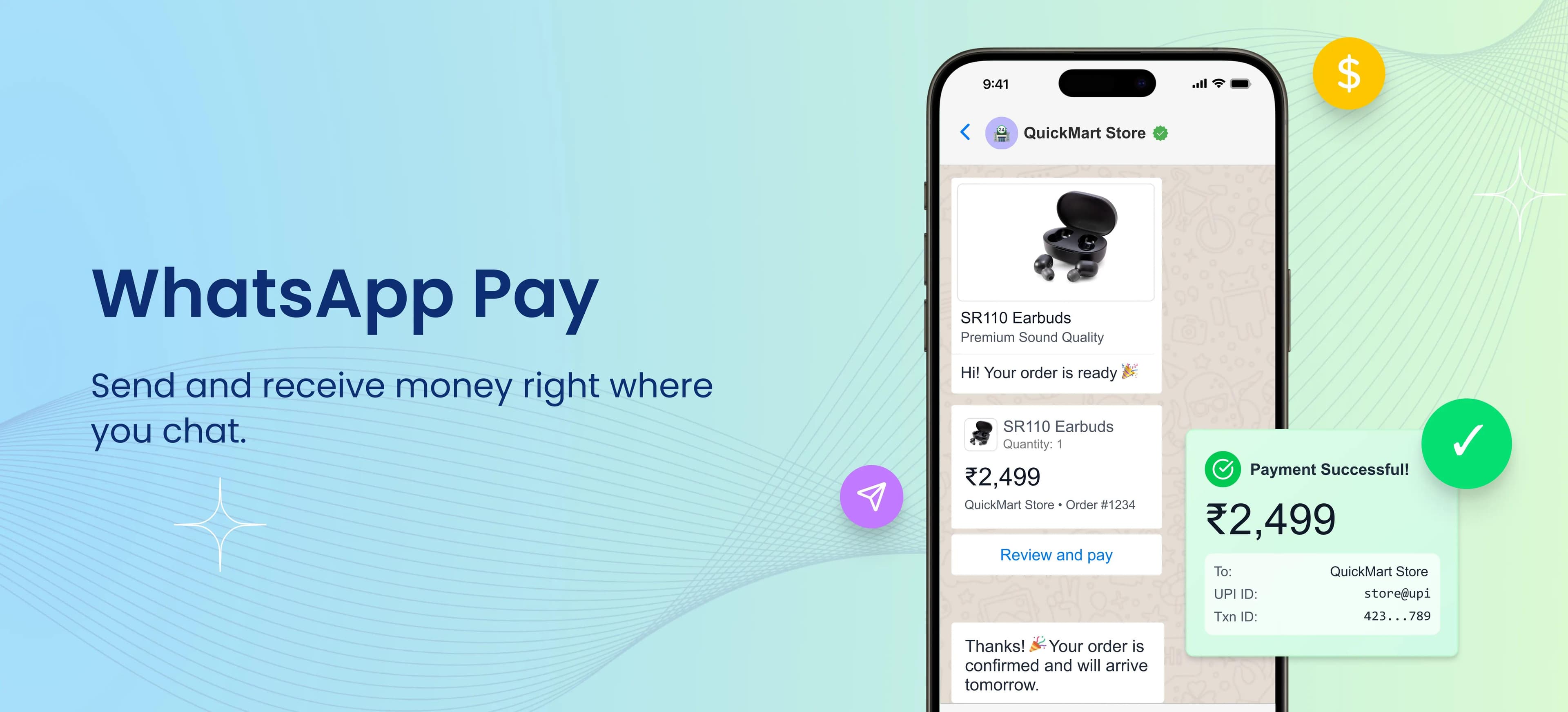
WhatsApp Pay is a payment feature built directly into WhatsApp, currently available in India, Brazil, and Singapore. In India, it works through UPI, allowing users to send and receive money securely while chatting—no redirects, no switching apps.Whether you're splitting bills, paying a local business, or collecting payments from customers, WhatsApp Pay keeps everything inside the chat.
How to Set Up WhatsApp Pay on the WhatsApp Business App (India)
Getting started with WhatsApp Pay is quick and straightforward:Step-by-Step Setup
- Open WhatsApp and go to Settings
- Tap on Payments
- Choose Add Payment Method
- Select your bank and verify your mobile number
- Set or confirm your UPI PIN
- You're ready to pay directly from chats
Once activated, you can send or receive money with just a few taps - right where conversations happen.
Key Benefits of WhatsApp Pay
1. Payments Inside Chat
Send money while chatting - no need to open another app or share payment details separately.
2. Fast & Secure UPI Transactions
Powered by UPI, WhatsApp Pay offers instant bank-to-bank transfers with strong security and encryption.
3. Simple User Experience
No complex interfaces. If you know how to chat on WhatsApp, you already know how to use WhatsApp Pay.
4. Ideal for Small Businesses
Businesses can collect payments, confirm orders, and follow up - all in one conversation.
5. No Extra Charges
For most users, WhatsApp Pay transactions remain free, just like other UPI payments.
Quick Payment Tips to Use WhatsApp Pay Better
✔ Use Chat Shortcuts
Pin important chats where you frequently send or receive payments for faster access.
✔ Verify Before Sending
Always double-check the recipient's name and amount before confirming the payment.
✔ Enable Payment Notifications
Turn on notifications to instantly track successful or failed transactions.
✔ Keep Your UPI PIN Secure
Never share your PIN, even if the message looks official.
✔ Use for Business Follow-Ups
If you're a business, send payment requests immediately after confirming orders to reduce delays.
Is WhatsApp Pay Worth Using in 2026?
Absolutely. As messaging and payments continue to merge, WhatsApp Pay fits perfectly into how people already communicate. It's especially useful for:
- Peer-to-peer payments
- Small and medium businesses
- Quick, everyday transactions
- Customers who prefer minimal steps
With growing adoption and improved features, WhatsApp Pay is positioned to be a strong player in the digital payments space.
Conclusion
WhatsApp Pay in 2026 is all about convenience - turning everyday conversations into seamless payment moments. If you're looking for a fast, familiar, and secure way to pay or get paid, activating WhatsApp Pay is a smart move.
FAQs
Q1. Is WhatsApp Pay safe in 2026?
Yes, it uses secure UPI infrastructure and PIN-based verification.
Q2. Do I need another app to use WhatsApp Pay?
No, WhatsApp Pay works directly inside WhatsApp.
Q3. Are there any charges for WhatsApp Pay?
No, most WhatsApp Pay transactions are free.
Q4. Can businesses accept payments on WhatsApp Pay?
Yes, businesses can collect payments directly in chat.
Q5. What happens if a transaction fails?
The amount is usually auto-reversed to your bank account.
Q6. Does WhatsApp Pay support international payments?
No, it supports domestic UPI payments only.
Q7. How can I reset my UPI PIN
Android: Go to More Options (⋮) → Payments → select bank account → Change UPI PIN / Forgot UPI PIN. Follow the steps to verify your debit card details or enter your existing PIN to set a new one.
iOS: Open WhatsApp Settings → Payments → select bank account → Change UPI PIN / Forgot UPI PIN. Verify your debit card details or enter your current PIN to reset it.


