


Introduction
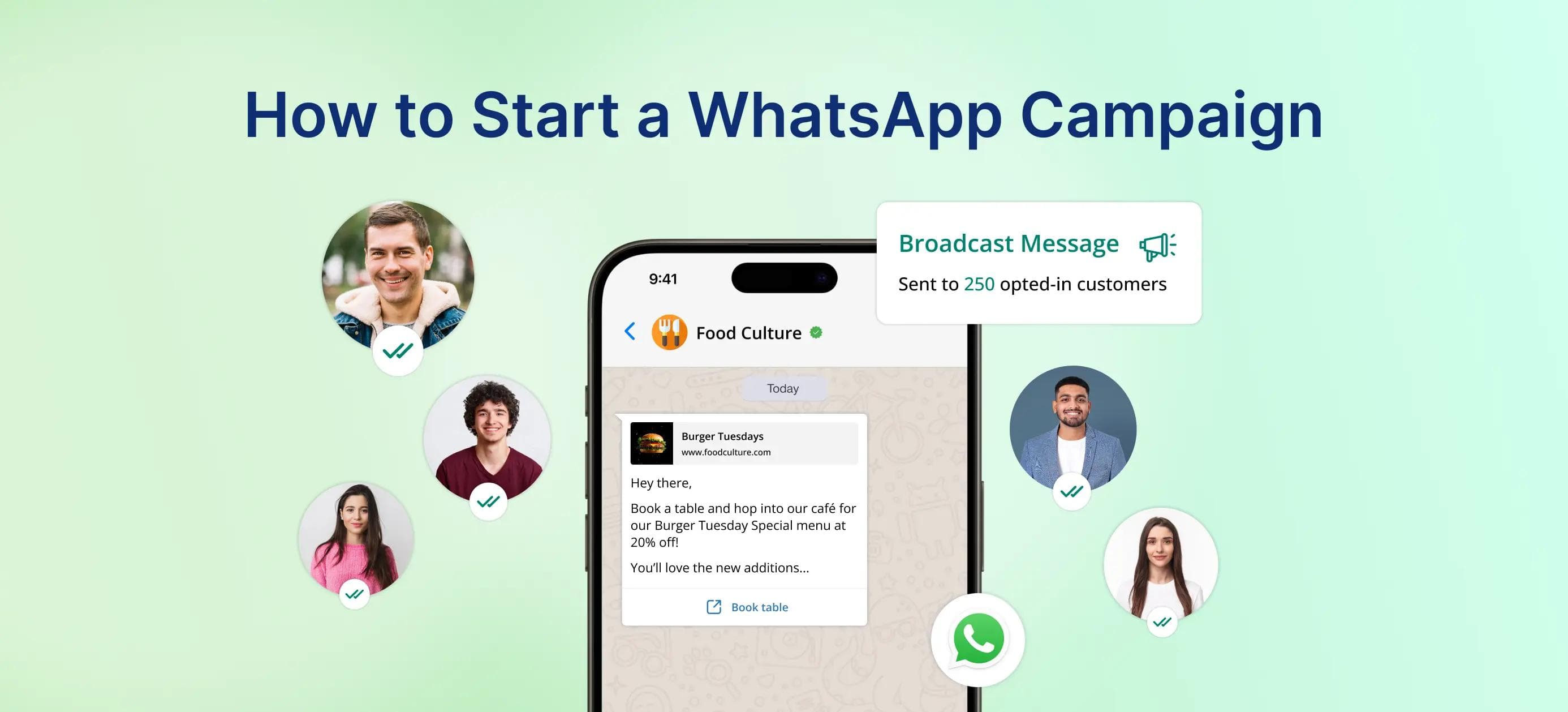
With over 3 billion users, WhatsApp has become the most powerful tool for business and customer engagement. It is no longer used just for messaging friends and family. Running a WhatsApp Campaign can significantly boost customer engagement, brand awareness and sales, if done right.With tools like Chronox AI, you can create WhatsApp Campaigns, covering everything from setting up a WhatsApp Business account to creating Attractive Templates.In this guide, we will show you how to start a WhatsApp Campaign step by step, covering everything.But first let's understand why WhatsApp Campaigns are important for business.
Why WhatsApp Campaigns are important for business?
Imagine this: You are sitting at your desk, juggling emails, social media messages, and phone calls. Then a notification pops up on your phone, and it's a message on WhatsApp. You open it instantly. Why?
Because WhatsApp is the go-to platform for personal communication. It is quick, engaging and it is always within arm's reach. Now, picture this power in the hands of a business.WhatsApp offers direct access to customers on their most-used platform. It is not just about sending messages; it's about connecting with your audience on a platform they are already comfortable with.Now here's the magic of WhatsApp: it boasts an exceptionally high open rate. Unlike email, where your message might sit unopened in a crowded inbox. On the other hand, WhatsApp messages are almost read within minutes.But that's not all; WhatsApp goes beyond messaging. With interactive features like quick replies, multimedia sharing and even payment processing, WhatsApp transforms a simple conversation into an interactive experience.
Build WhatsApp Campaigns
Now that you understand why WhatsApp is such an effective tool for businesses. Let's dive into the steps to start your own WhatsApp Campaign!
Step 1: Integrate your WhatsApp Business Account
To start using campaigns, you need to link your verified WhatsApp Business Account with Chronox AI.What you'll need:
- Facebook Business Manager access - this is required for WhatsApp setup.
- Business phone number - ideally a company-owned number. If it's already in use with the WhatsApp app, uninstall the app first.
- Business details - legal name, address, and documents for verification.
💡 Pro Tip: Add your logo, business description, working hours, and contact info to your profile. This builds instant trust with your audience.
Step 2: Build your Contact List
Once your business account is integrated into Chronox AI, the next step is to build and manage a contact list that aligns with your campaign goals.Here's how to build a high-quality list:
- Define your audience: Begin by identifying the type of customers you want to target for your campaign.
- Import and manage contacts: Import your contacts into Chronox AI. Ensure all contact details are accurate and up-to-date to ensure smooth message delivery.
Step 3: Create a Message Template
The success of your campaign depends on your message content. Use Chronox AI's template creation tool to craft personalized messages that adhere to WhatsApp's guidelines. Create compelling content by:
- Keeping Messages Short: Users prefer concise communication, so keep your messages easy to read and actionable.
- Add Media: Use images, videos, or GIFs to make your messages more engaging.
- Interactive Menus: Add quick reply buttons for FAQs, bookings, or product enquiries.
- CTA Buttons: Send users directly to your website, product catalogue, or payment gateway.
With Chronox AI's template builder, you can create, test, and manage multiple templates seamlessly
Step 4: Choose When to Send Your WhatsApp Campaign
With Chronox AI, you have full control over when to send your WhatsApp Campaign. Timing plays a huge role in response rates.
- Send Now: Perfect for flash sales or urgent updates.
- Send Later: Plan ahead and schedule campaigns during peak engagement hours.
Chronox AI's scheduler ensures your messages reach customers at the right time without manual effort.
Step 5: Add Special Actions to Your Campaign
Make your campaigns more interactive by integrating automated actions:
- Trigger Chatbots: When a user replies with a keyword, a bot responds instantly (e.g., typing "price" triggers pricing details).
This level of interactivity keeps users engaged and reduces drop-offs.
Step 6: Monitor and Manage the Campaign's success
Launching a campaign is only half the work; tracking is what makes it effective.Key metrics to monitor:
- Open Rate: Percentage of users who viewed your message.
- Click-Through Rate (CTR): Number of users clicking your CTAs.
- Reply Rate: Indicates how engaging your message was.
- Conversions: Sales, sign-ups, or actions completed.
Chronox AI offers real-time analytics to help you track and understand customer interactions.💡 Pro Tip: Run A/B tests with different templates or timings to see what works best.
Best Practices for WhatsApp Campaigns
- Avoid Spams: Send only relevant content, and don't overwhelm users with too many messages.
- Respond Quickly: Use automated responses to provide fast and efficient customer services.
- Respect Privacy: Always get consent before messaging and provide an easy way for users to opt out.
- Add Special Actions Smartly: Auto-replies can provide instant responses while maintaining a human touch.
- Be Consistent: Regular updates build trust, but don't overwhelm your audience.
Conclusion
Launching a WhatsApp Campaign is more than just sending out bulk messages. It's about creating personalized, timely and interactive conversations with your customers. By setting up a verified WhatsApp Business account, building a high-quality contact list, crafting compelling message templates and tracking performance, you can transform WhatsApp into one of the most powerful channels for your business.The future of marketing is conversational, and WhatsApp puts that future right in your pocket. By following the steps in this guide and implementing best practices, you'll be equipped to launch impactful Campaigns that engage customers, generate leads, and drive measurable business growth.👉 Don't wait for your competitors to get ahead. Start your WhatsApp Campaign today with Chronox AI and unlock the full potential of personalized, automated, and results-driven communication.
FAQs
Q1. How can I collect opt-ins for my WhatsApp business?
You can collect opt-ins through forms on your website, QR codes, or by having customers message you directly to join your list.
Q2. How do I ensure my WhatsApp messages aren't seen as spam?
To avoid being flagged as spam, use segmentation to target specific groups and offer an easy way for customers to opt out if they no longer wish to receive your messages.
Q3. How do I segment my WhatsApp audience?
You can segment your audience by grouping contacts based on their demographics, interests, or past purchase behavior. This helps you send more personalized and targeted messages, increasing the relevance of your content.
Q4. Can I integrate WhatsApp with other marketing tools or platforms?
Yes, WhatsApp Business can be integrated with other tools such as CRM systems, email marketing platforms and analytics tools.


